Chinese Color AtlasFIGMA PLUGIN
CHROMA CATHAY · BASE
AVAILABLE ON FIGMA COMMUNITY

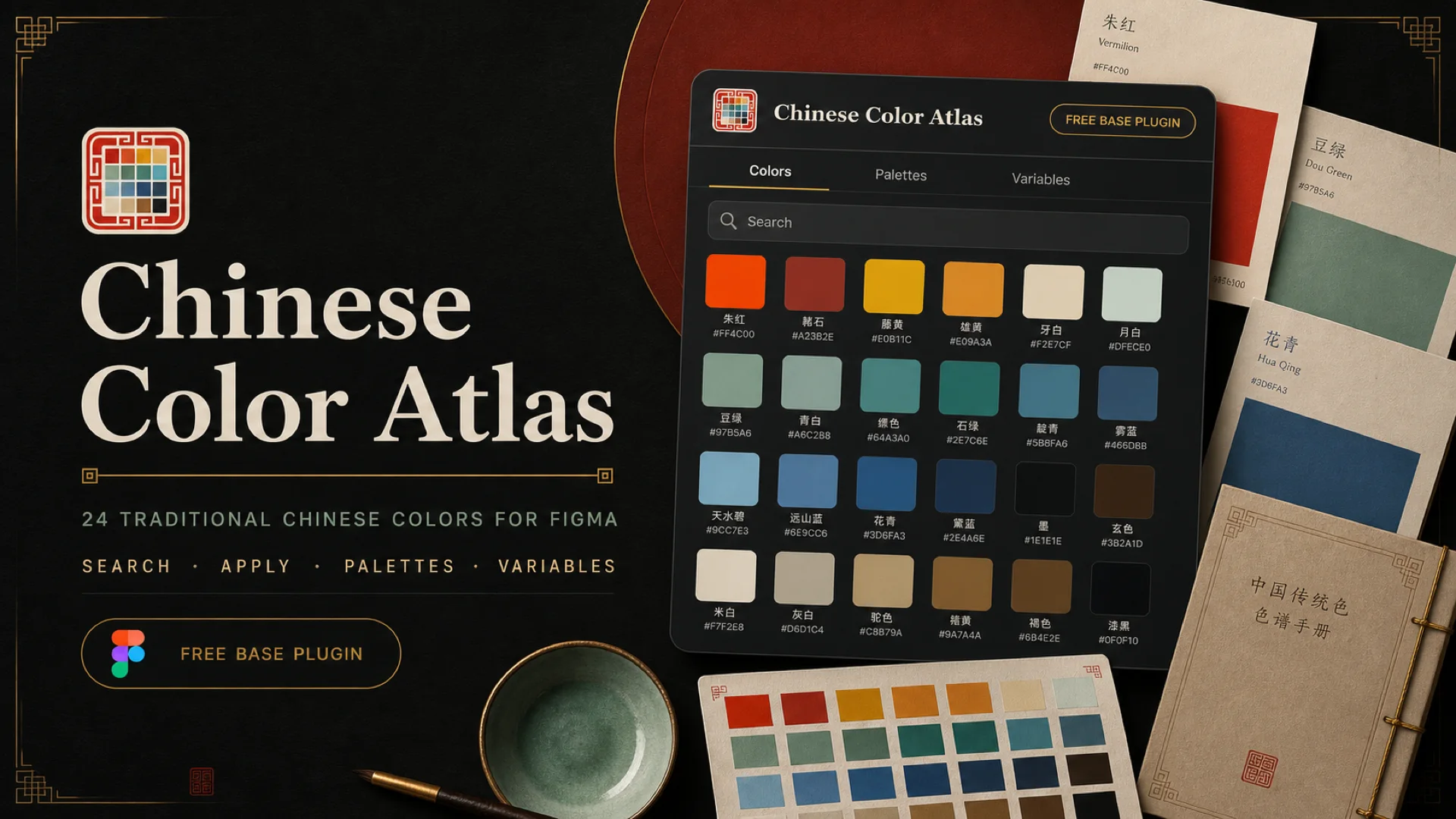
Chinese Color Atlas for Figma

Search, apply, and organize traditional Chinese colors while you design. Base includes 24 curated colors, three scene palettes, editable cards, and local Figma Variables.

AVAILABLE NOW

Turn traditional colors into design actions

Stop moving HEX values back and forth. Search colors, apply fills, create cards, build palettes, and generate reusable local Variables inside Figma.

Chinese Color Atlas Figma plugin cover
24
curated colors
3
scene palettes
1
local Variables collection
0
network requests

From color choice to Variables

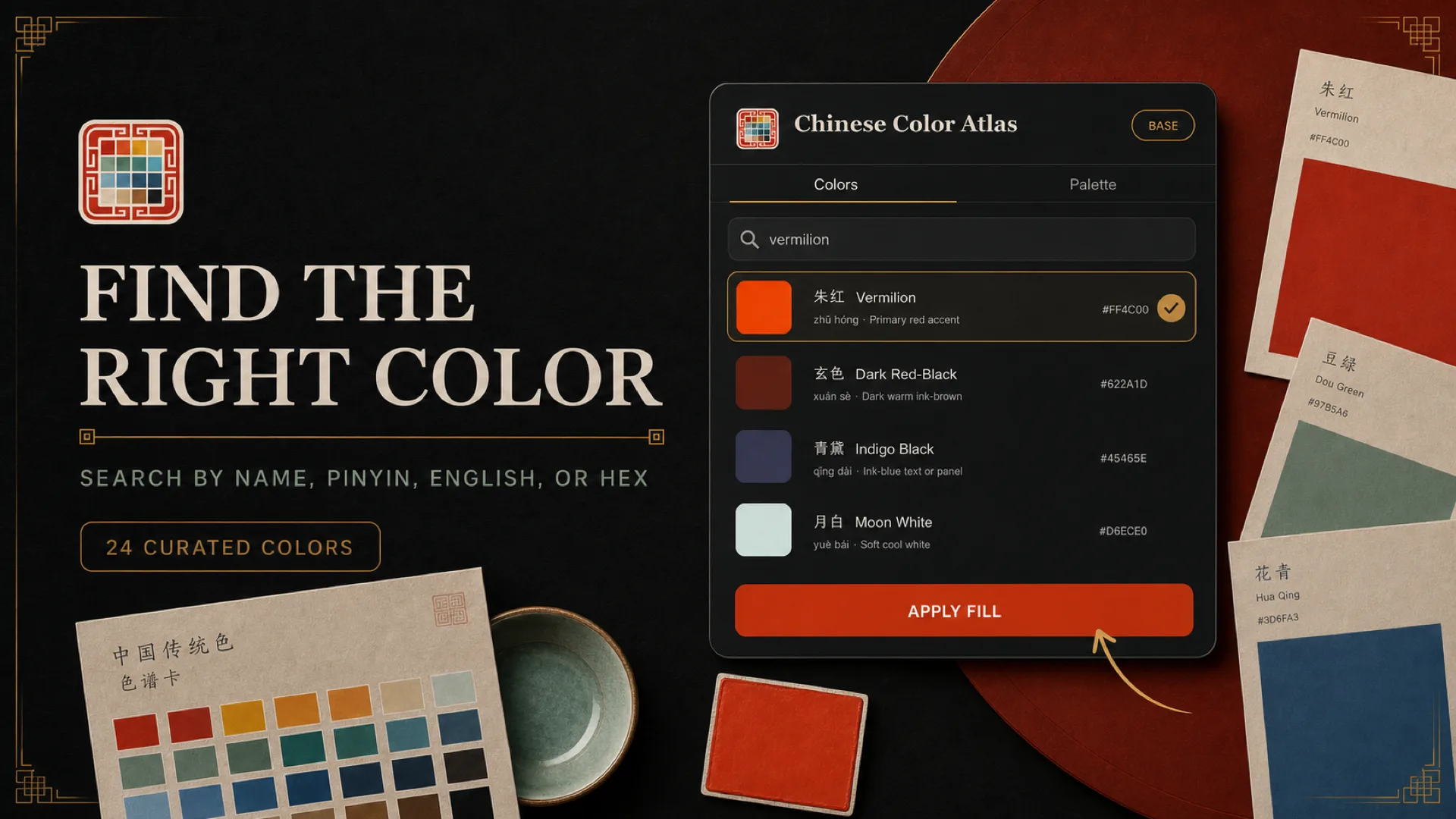
Chinese Color Atlas plugin search and apply interface
SEARCH & APPLY

Search by name, pinyin, English, or HEX

Find a color across 24 curated traditional Chinese colors, then apply it to supported selected layers.

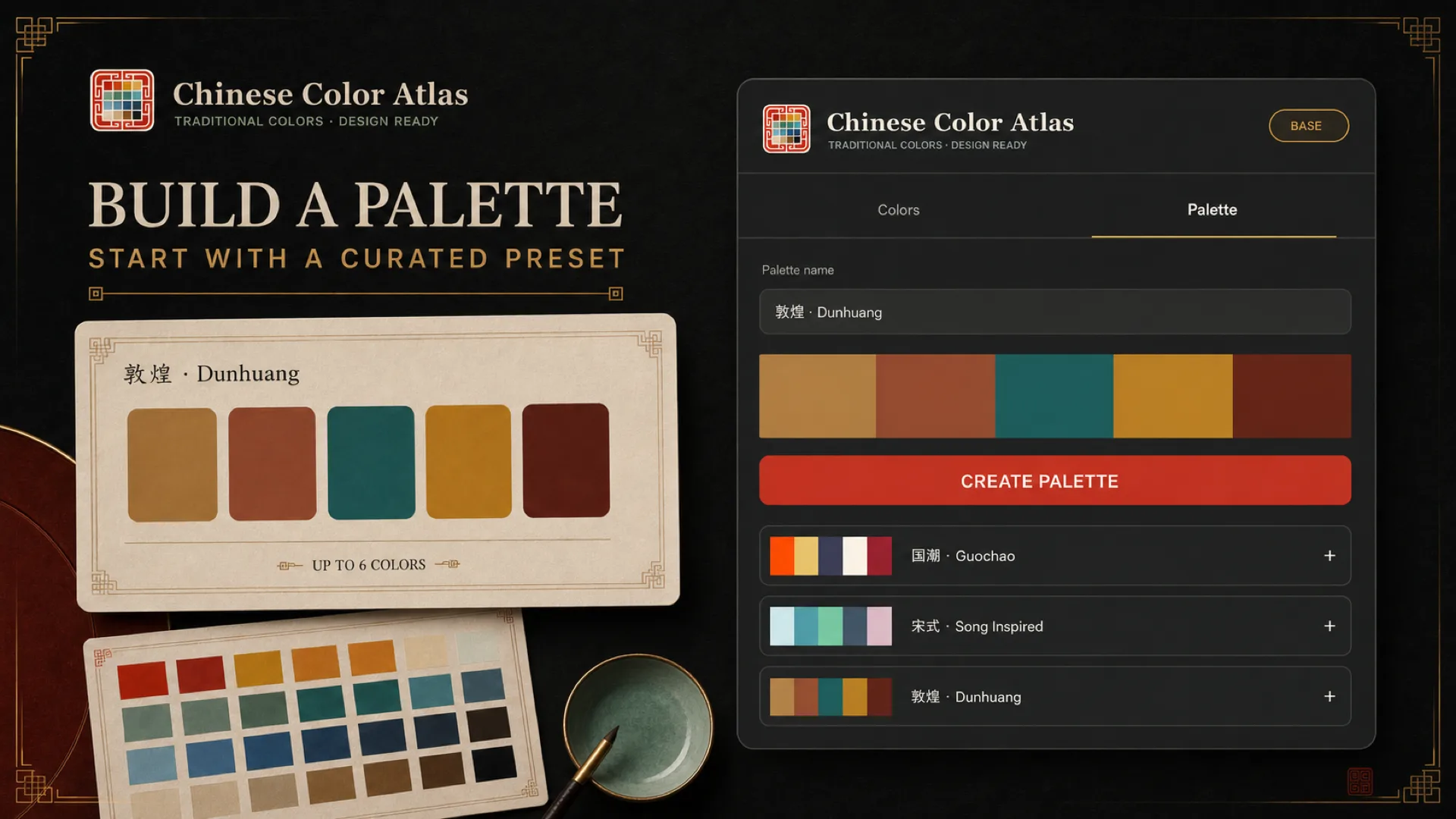
Chinese Color Atlas plugin palette builder interface
PALETTE BUILDER

Create editable cards and palette frames

Combine up to six colors or load Guochao, Song-inspired, and Dunhuang starter palettes before creating an editable Figma frame.

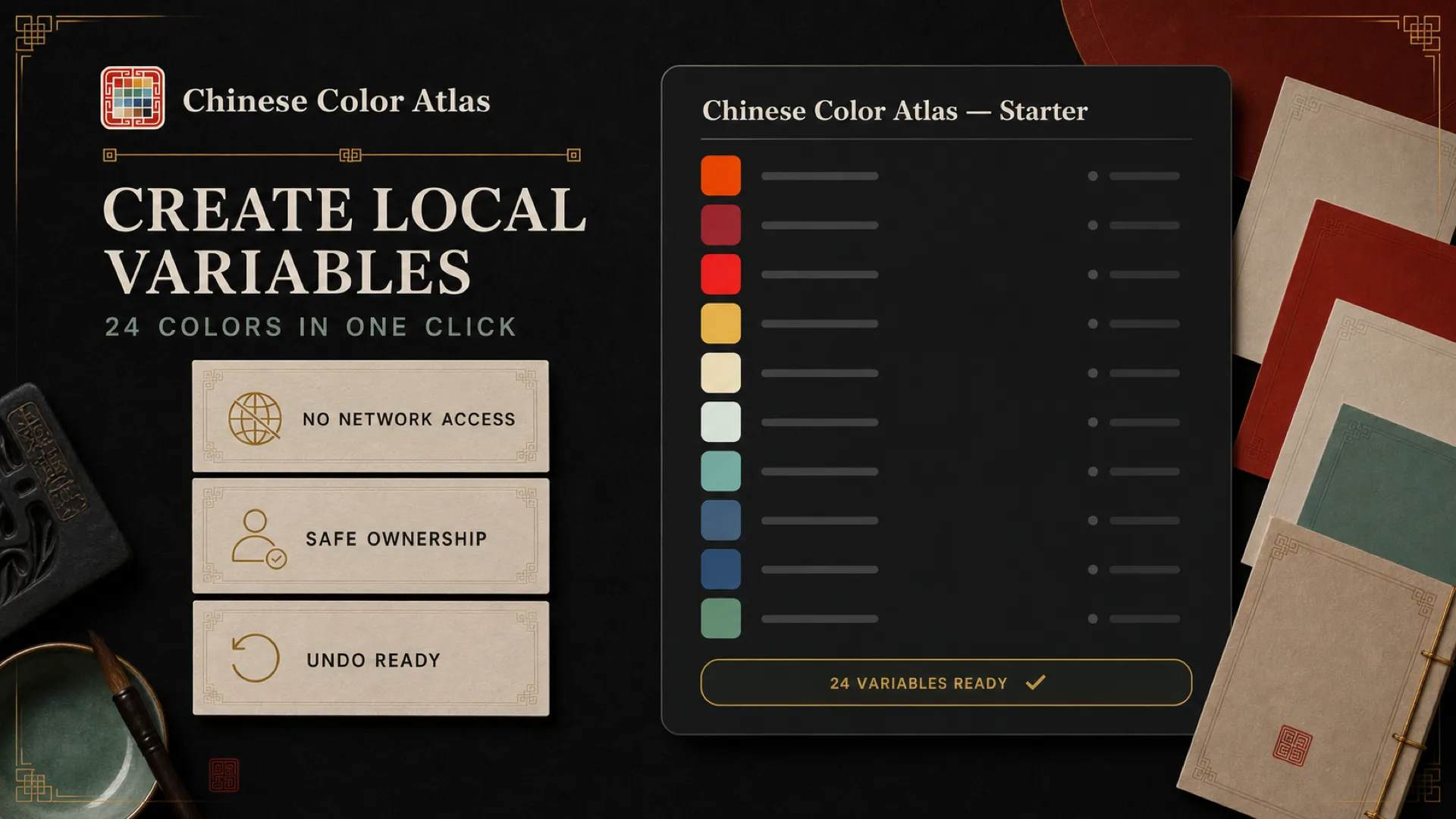
Chinese Color Atlas plugin creating Figma Variables
FIGMA VARIABLES

Create or update 24 local Variables

The plugin updates only its own Starter collection, so it can be run again without overwriting unrelated local Variables.

WHAT BASE INCLUDES

A small but complete starter workflow

Base does not hide all 567 colors inside the free build. It selects 24 useful colors and makes the search, application, palette, and Variables workflow dependable first.

24 starter colors

Chinese names, pinyin, English labels, HEX values, and short usage notes.

3 scene palettes

Load Guochao, Song-inspired, and Dunhuang presets directly into the palette builder.

Editable canvas output

Cards and palette frames use regular Figma layers that remain editable and handoff-ready.

Safe to run again

The Variables workflow creates or updates the plugin-owned collection instead of duplicating matching variables.

Which resource should you use?

Base plugin
Community sample
Complete Pack
Best for
Searching, applying, and combining colors while you design.
Duplicating a ready-made 24-color reference file with example frames.
Bringing all 567 colors into production design, code, and creative handoff.
Colors & palettes
24 colors and 3 starter palettes.
24-color Variables and scene examples.
567 colors, 21 production scene palettes, and research data.
Handoff formats
Figma layers and local Variables.
A duplicable Figma Community file.
Figma, ASE, Procreate, CSS, Tailwind, DTCG, and JSON.
Price
Free
Free
$39
PRIVACY FIRST

Your design content stays in Figma

Base has no network access, backend server, login, analytics, or license requests. It reads the current selection only to perform actions you trigger and stores at most six recent starter-color slugs locally in Figma.

No account
No purchase or activation
No file or layer uploads
No third-party analytics
Read the privacy policy →

FAQ

Is the Base plugin free?

Yes. Base includes 24-color search, fill actions, editable cards, palette frames, and Starter Variables without purchase or activation.

Does the plugin upload my Figma file?

No. Base has no network access, backend service, or user login, and it does not collect or upload files, layers, selections, or personal data.

Why are there only 24 colors?

Base is a practical starter tool. Use the Complete Design Pack when you need all 567 colors, full Variables, and cross-tool handoff files.

Where can I install it?

Use the Install in Figma button at the top of this page to open the official Community listing.

NEED THE COMPLETE WORKFLOW?

Move from 24-color Base to the full 567-color system

The Complete Design Pack includes full Figma Variables, ASE, Procreate, CSS, Tailwind, DTCG, JSON, AI prompts, and 21 production scene palettes in a one-time purchase.
View Complete Design PackRead the Figma workflow guidePlugin support →